Getting started with RNBO & Raspberry Pi @ MESS
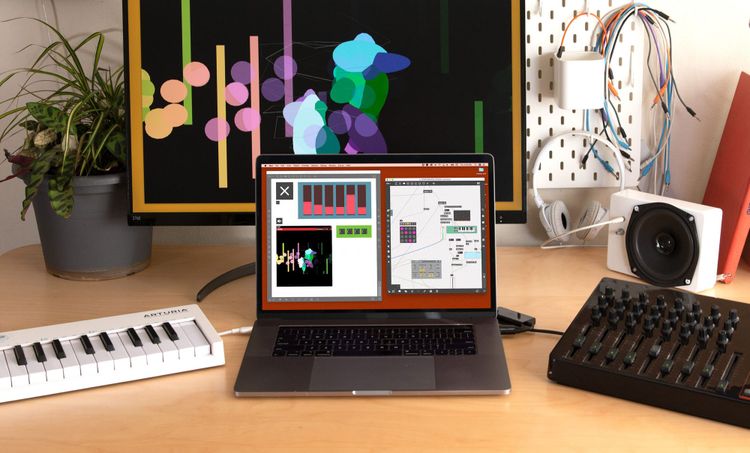
Jay Curtis / lysdexic (Max Certified Trainer) & Tom Hall (Cycling '74) will lead you through setting up a Raspberry Pi for the first time to work with RNBO, and how to use the GPIO pins to add controls and sensors for making your own standalone synthesizer running RNBO with controls.
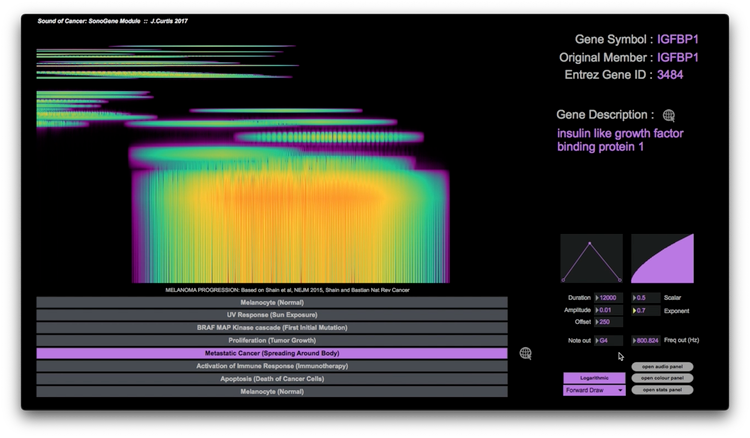
The Sound of Cancer : SonoGene Module
The Sound of Cancer is a collaborative multidisciplinary group interrogating cancer, specifically Melanoma. I developed the SonoGene module as an interactive means of articulating the process of Melanoma in seven discrete phases from Melanocyte (Healthy Cells) to Apoptosis (Death of Cancer Cells.)
Using a Gyroscope + Accelerometer module with RNBO on the RPi
An IMU is a common module to use with microcontrollers for measuring tilt and rotation. They're small and are perfect for use in wearable technology and robotics projects. In this article we'll use an MPU6050 with the i2c protocol and get it talking to our RNBO patcher on the Raspberry Pi.
Make an LED Strip peak volume meter with RNBO on the Raspberry Pi
In this article we'll learn the basics of using a small NeoPixel LED strip to respond to the volume of our RNBO patcher on the Raspberry Pi.
Light up some LEDs with RNBO on the Raspberry Pi
You've just made your own desktop synthesizer with RNBO and the Raspberry Pi, you're ready to switch the lights off and jam out - but there's no visual feedback... If there's a bleep in a dark studio but there's no pulses of twinkling light - did it even happen?
Adding Potentiometers to your Raspberry Pi with RNBO
Unlike boards like the Arduino, the Raspberry Pi doesn't have an Analogue-to-Digital (ADC) converter to convert analogue signals to digital. In this article we'll learn how to use an ADC integrated circuit chip with the RPi to read in multiple Potentiometers at once and control a RNBO patcher.
Working with Photoresistors (LDRs) on the Raspberry Pi with RNBO
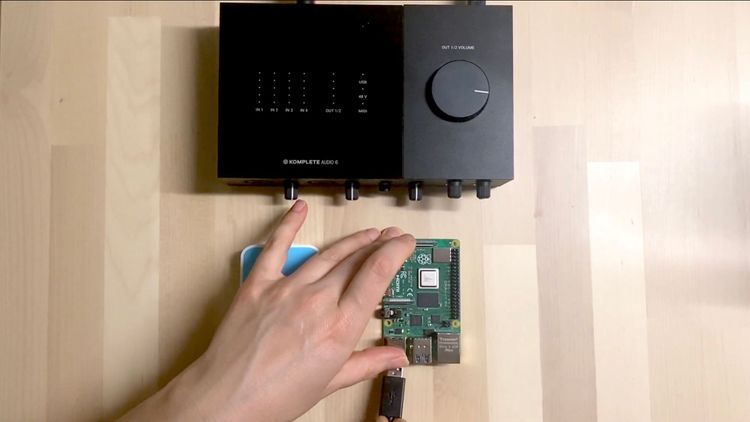
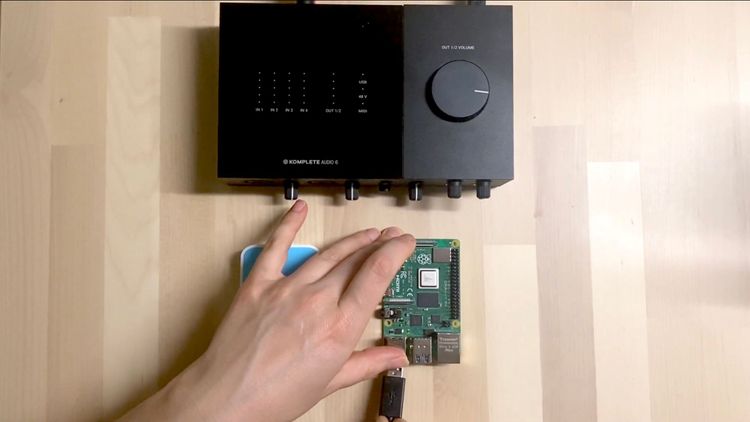
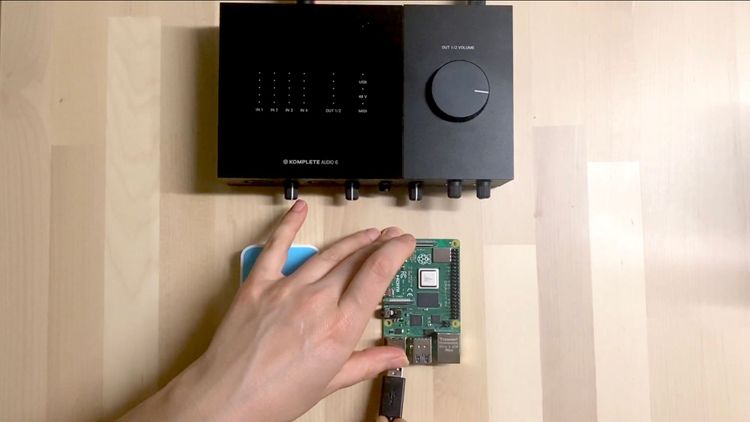
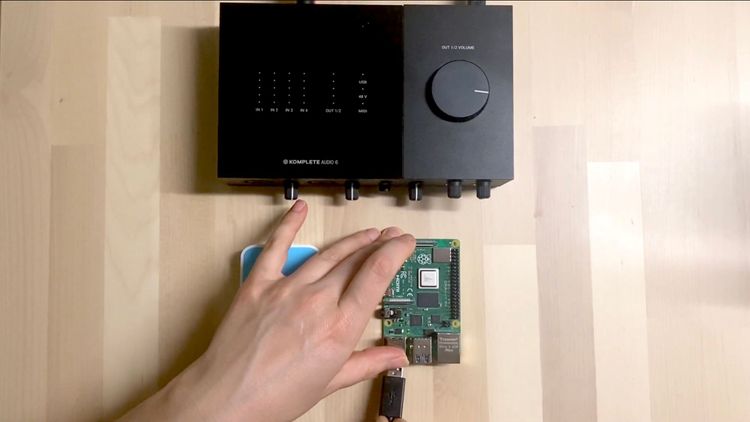
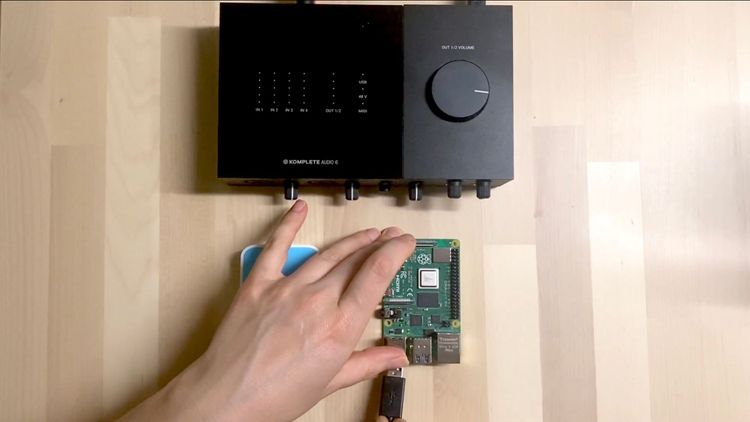
In this article we'll cover how to use some simple sensors with RNBO on the Raspberry Pi target. Before attempting these, make sure you're familiar with the basics of exporting your RNBO patchers to the RPi and that your audio interface is working correctly with it.
EZ Gen~ Tute 006 :: Ratcheting 101
In our final beginner level EZ Gen~ MaxMSP tutorial we're covering one more foundational sequencer technique that dates back to the 1970s - step "ratcheting". We've already learned the tools we need to add this to our sequencer - and it's quick + dead simple.
EZ Gen~ Tute 005 :: Probability 101
This instalment in our EZ Gen~ MaxMSP tutorial series we're covering one of the simplest yet most powerful techniques for programming sequencers. Probability allows control over random processes which can be used to perform and extend simple material.
EZ Gen~ Tute 004x :: Macrophase + Making your own custom [rate] operator
This EZ Gen~ Extra covers a few questions around the “macrophase” derivation method I used in the previous tute where I needed to create my own [rate] abstraction which will help us phase align our new polymetric sequencer.

![EZ Gen~ Tute 004x :: Macrophase + Making your own custom [rate] operator](https://storage.ghost.io/c/7e/5e/7e5e967f-1f1f-4c8f-8b4d-7b929f888811/content/images/size/w750/2022/09/EZgen004x_-1.png)